
 Ulike ReGlow Pro★ 5.0 (511)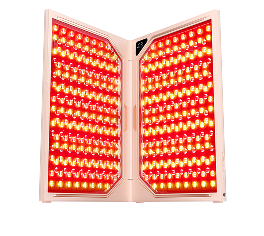




PAY WITH HSA/FSA
Now qualified customers can use their HSA or FSA to pay for eligible Ulike devices using pre-tax dollars with Flex.
How to pay with HSA/FSA
-

Step 1
Add eligible products to your cart:
Choose from Ulike IPL or LED devices listed below. -

Step 2
Select Flex at checkout:
Under "Payment," select "Flex | Pay with HSA/FSA." -

Step 3
Confirm your eligibility:
Complete a brief telehealth consult. If you qualify, you'll receive a Letter of Medical Necessity (valid for 12 months) by email within 24 hours. -

Step 4
Pay with your HSA/FSA card:
Use your HSA/FSA debit card to complete your purchase.


Products that require a letter of medical necessity
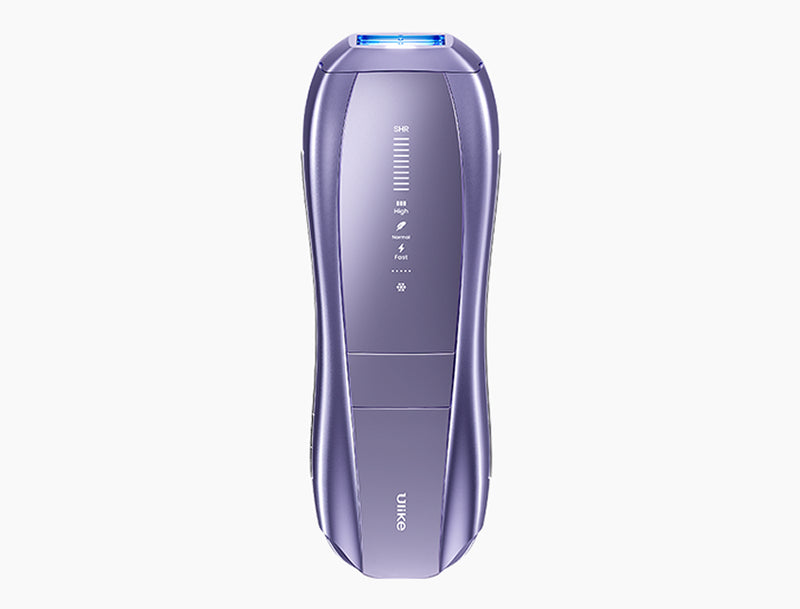
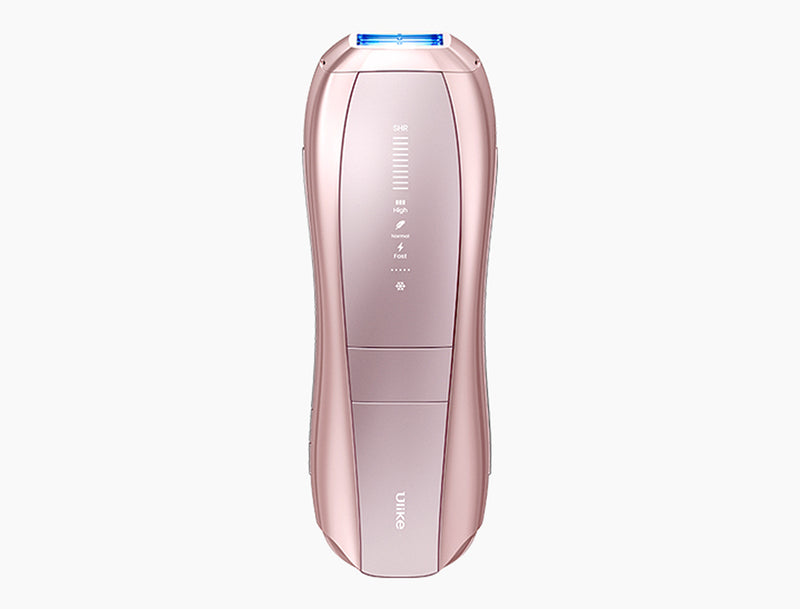
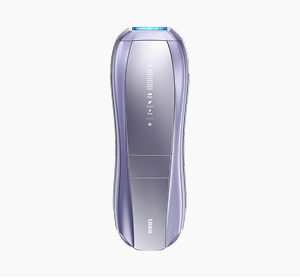
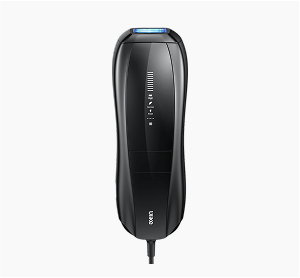
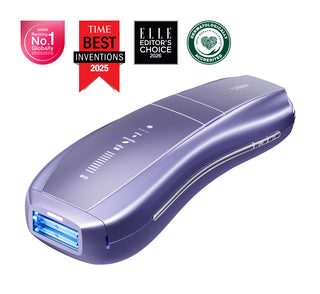
Ulike Air 10
96% hair reduction in 2 weeks
$279.00
$349.00
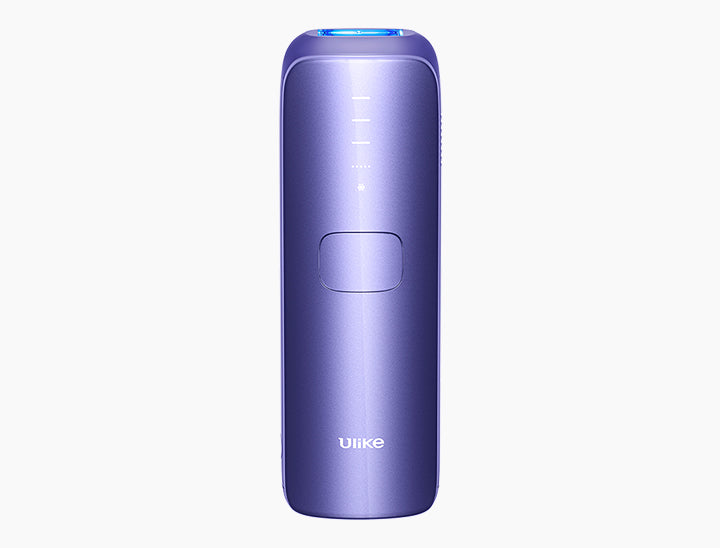
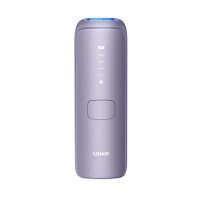
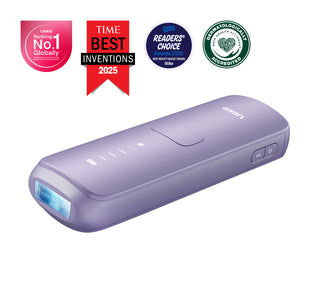
Ulike Air 4
95.8% hair reduction in 4 weeks
$209.00
$259.00
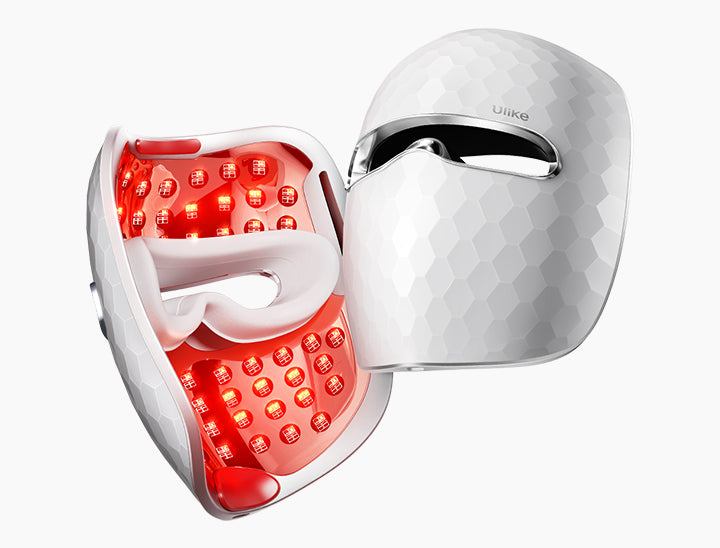
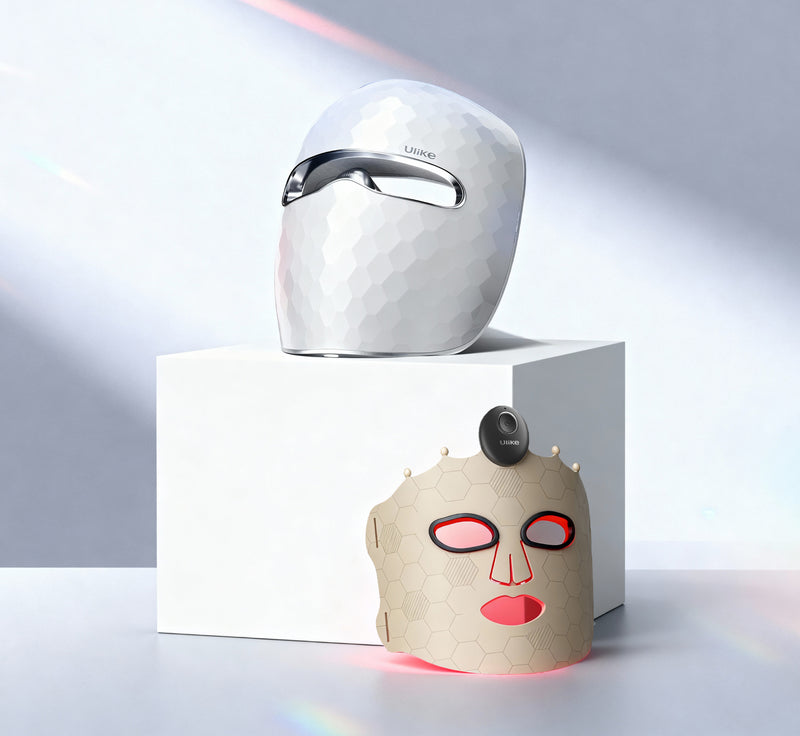
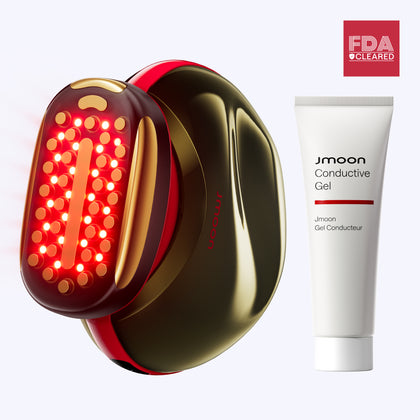
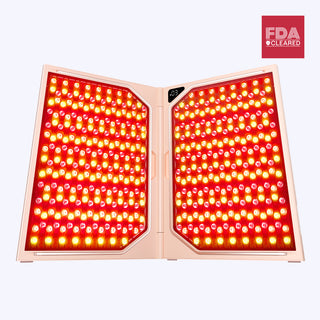
Ulike ReGlow
Smoother skin in 4 weeks
$259.00
$399.00

Need help choosing? Take our quiz.
START QUIZFAQs
General HSA/FSA Questions
What is Flex and what is their relationship with Ulike?
Ulike has partnered with Flex to allow you to use your Health Savings Account (HSA) or Flexible Spending Account (FSA). This means you can now use your HSA or FSA debit card to buy Ulike IPL and LED devices with pre-tax dollars, resulting in net savings of 30%-40%, depending on your tax bracket.
How do I pay with my HSA or FSA card?
To use your HSA or FSA debit card, add products to your cart as usual. At checkout, select “Flex | Pay with HSA/FSA” as your payment option, enter your HSA or FSA debit card, and complete your checkout as usual. If you don’t see “Flex | Pay with HSA/FSA,” you may be in Shop Pay. Select “checkout as guest” to view more payment options.
What if I don’t have my HSA/FSA card available?
If you don’t have your HSA or FSA card handy, still select “Flex | Pay with HSA/FSA” as your payment method. Enter your credit card information and Flex will email you an itemized receipt to submit for reimbursement.
Why is my HSA/FSA card being declined?
HSA/FSA cards are debit cards, and the most common reason for declines is insufficient funds. Reach out to your HSA/FSA administrator to confirm your balance.
I submitted my Flex itemized receipt for reimbursement and my FSA requires more information.
Please forward the request from your FSA to support@ulikeglobal.com, and Ulike will work with the Flex team to issue you a new receipt.
I didn’t receive an email from Flex with my itemized receipt. What should I do?
Please check your spam folder, as sometimes emails from notifications@withflex.com may be automatically filtered as spam by some email service providers. If you still can’t find it, please email support@withflex.com and let them know the email address associated with your order.
I would like to use multiple HSA/FSA cards to pay for an item. Can I do that?
No, unfortunately, this isn't a supported feature right now. If there are insufficient funds in a single HSA or FSA account, you can instead enter a credit card on the Flex checkout page. You will receive an itemized receipt and/or Letter of Medical Necessity from Flex, which you can submit for reimbursement.
My purchase receipt from Ulike has a different number than what my FSA was charged. How can I resolve it?
Please reach out to support@ulikeglobal.com so we can review the charges and get back to you with details.
Is sales tax covered by HSA/FSA funds, or is it treated separately?
Sales tax for eligible items is also covered by HSA/FSA funds. If the customer has a split cart, the tax will be divided among the cards based on the items.
Letter of Medical Necessity Questions
What is a Letter of Medical Necessity?
A Letter of Medical Necessity is essentially a note from a doctor stating that you are purchasing an item to treat or manage a medical condition.
Why do I need to provide Ulike with health information?
In order to qualify to use your HSA or FSA card for Ulike products, the IRS requires you to have a Letter of Medical Necessity. Ulike has partnered with Flex to enable asynchronous telehealth visits as part of our checkout. Within 24 hours of your purchase, Flex will email you both an itemized receipt.
Do I need to do anything with my Letter of Medical Necessity?
You should keep it on file for at least three years in the event of an IRS audit of your HSA or FSA account. Occasionally, FSAs may ask for the Letter to confirm the eligibility of your purchase.
I mistakenly entered the wrong name and/or date of birth and need to get an updated letter. To whom can I reach out?
Please email support@withflex.com and they will reach out to their telehealth team to reprocess and send your corrected Letter of Medical Necessity.
The date on my Letter of Medical Necessity is one day different from my receipt.
This may be a time zone issue. Contact support@ulikeglobal.com so we can reach out to our partners at Flex to see if they can reissue the Letter with an updated date.
My FSA says I need [a product name, NPI number, other info] added to my Letter for approval.
Generally, we’re not able to accommodate one-off requests, but we will reach out to our partners at Flex and see if we can accommodate your request.
I didn't receive a Letter of Medical Necessity from Flex. What should I do?
Please check your spam folder, as sometimes emails from notifications@withflex.com may be automatically filtered as spam by some email service providers. If you still can’t find it, please email support@withflex.com and let them know the email address associated with your order.
HSA/FSA Reimbursement Questions
My HSA/FSA Claim was denied. What should I do?
We strongly recommend checking with your HSA/FSA provider to see if a purchase is eligible prior to completing the purchase. However, if you believe your claim has been wrongly denied, please send over any response from your HSA/FSA provider to us so we can share it with Flex and receive guidance on the next best steps to take. Please note that employer-sponsored FSAs can determine what products are eligible beyond the IRS’s guidelines, so it’s extremely important to check prior to purchase.
Can a customer purchase a product now and apply for FSA reimbursement in the next calendar year?
The ability to apply for FSA reimbursement in a future calendar year depends on the policy of the specific FSA provider. Most FSA administrators require that the purchase be made during the time of coverage. For example, if the FSA coverage is for 2025, all purchases typically need to be made and/or submitted for reimbursement within that coverage period.
Can old (non-Flex) customers use their order confirmation email to apply for HSA/FSA reimbursement?
Unfortunately, for purchases made without using Flex at checkout to receive an itemized receipt, it may be difficult to apply for reimbursement.
For Health Savings Accounts (HSAs), consumers can use an itemized receipt for reimbursement anytime after they have made the purchase, even if it is many years later.
For Flexible Spending Accounts (FSAs), most accounts require that the purchase was made in the calendar year during which the consumer had the FSA, as FSAs typically do not roll over. Some FSAs offer a buffer window, allowing customers additional time to submit receipts for expenses incurred during the previous calendar year.