



How to Clean Your IPL Device Safely Without Damaging It

A clean IPL device works better, looks better, and is easier to trust before each session. The catch is simple, a harsh wipe can cause more trouble than the dirt you're trying to remove.
If you use an at-home IPL handset, the safest routine is gentle and slow. Power it off, let it cool fully, and follow the maker's care guide, because cleaning steps can vary slightly by model.
What to check before you clean your IPL device
Cleaning starts before the cloth comes out. First, turn the device off and unplug it, or disconnect it from the charger. Then wait until the treatment head is fully cool.
After that, check the manual for your exact model. Some devices allow a lightly damp cloth on certain outer surfaces, while others want a dry cloth only. When in doubt, go with the drier option.
Keep a few simple items nearby:
- A soft microfiber cloth
- A dry cotton swab for small edges
- A clean, dry place to rest the device
- The user manual, especially if this is your first time cleaning it
If you want the full treatment flow before and after a session, how to use your Ulike device is a helpful place to check the steps. Philips gives the same basic advice in its IPL cleaning and care tips, turn it off, let it cool, and clean it gently.
If the device still feels warm, wait. Heat and moisture do not mix well with delicate treatment windows.
A safe cleaning routine after each treatment
Once the device is cool, a short routine is enough. You do not need to scrub it. In fact, scrubbing is the fastest way to scratch the flash window or push residue into small seams.
-
Power it down and unplug it.
Make sure the cord or adapter is fully disconnected before you touch any part of the device. -
Let it cool completely.
The head may feel only slightly warm, but wait until it reaches room temperature. -
Wipe the body with a dry microfiber cloth.
Use light pressure on the handle, shell, and buttons. This removes skin oil, dust, and fingerprints. -
Clean the flash window last.
Use a fresh, soft cloth and gentle strokes. Treat the window like a camera lens. No hard rubbing, no scraping, and no paper towels. -
Handle removable parts separately.
If your model has an attachment or cap that comes off, clean it the way the manual says. Some parts only need a dry wipe. Others may allow a lightly damp cloth. -
Let everything dry before storing it.
Even a small amount of hidden moisture can collect near seams or connectors.
If you prefer a broader treatment reference, the step-by-step guide to using IPL devices can help you match cleaning to the rest of your routine.
A good rule is simple, use the least moisture that does the job. Excess liquid can seep into buttons, vents, or charging points.
Which parts need the gentlest touch
Different parts of the device need different care. The flash window needs the most attention because it sits closest to the treatment area. The outer body is easier to clean, but it still should not be soaked.
Here is a quick guide:
| Device part | Safe cleaning method | What to avoid |
|---|---|---|
| Flash window | Soft dry cloth, or a slightly damp cloth if the manual allows it | Scrubbing, abrasive pads, paper towels |
| Outer shell | Dry microfiber cloth | Harsh sprays, bleach, strong cleaners |
| Buttons and seams | Dry cloth or dry cotton swab | Pushing moisture into gaps |
| Removable attachments | Follow the manual, then dry fully | Soaking or rinsing unless the model says it is safe |
| Charging port area | Dry cloth only | Any wet cloth or liquid cleaner |
That table covers the parts most people touch often. If residue keeps showing up on the window, do a second pass with a fresh cloth instead of pressing harder.
For a model-specific example of why the window matters, Philips' light exit window guidance shows how buildup can affect a device surface that needs careful care.
How to store the device so it stays clean

A clean device stays cleaner when storage is smart. After you wipe it down, place it somewhere dry, away from steam, dust, and direct sun. A bedroom drawer or shelf is usually better than a bathroom counter.
Do not pack it away while the head is still warm. Warm surfaces attract dust, and any leftover moisture can sit under a cap or near the window. If your device came with a pouch or case, use it. That small layer of protection helps keep lint off the flash window.
The cord matters too. Coil it loosely, not tightly. Sharp bends can strain the cable over time. If the model uses a detachable adapter, store the pieces together so you do not lose them.
A dry storage spot also makes inspection easier next time. You can spot dust, hair, or smudges before they become part of your treatment routine.
Troubleshooting residue, smudges, and warning signs
A thin film on the flash window usually comes from skin oil, lotion, or dust. Start with a clean, dry microfiber cloth. If the mark stays, check the manual. Some models allow a cloth that is only slightly damp, but many do not need that step.
Smudges that look cloudy can be tricky. Sometimes they sit on the surface. Other times they are inside a cover or on a removable attachment. If the mark does not move with gentle cleaning, stop before you make it worse.
Use this short checklist when cleaning does not fix the problem:
- The residue stays after two gentle wipes
- The flash window looks scratched, cloudy, or cracked
- The device smells burnt after cleaning
- Moisture has reached the charging area or vents
- A button feels sticky or unresponsive
If any of those happen, stop using the device and contact the manufacturer. Do not open the housing, pry at the window, or try to flush out debris with liquid. That can turn a small issue into a repair problem.
A device that flashes unevenly, overheats, or shows a new error after cleaning also deserves a pause. Wait for guidance before your next session. Safety comes first, and so does the life of the device.
Conclusion
The safest way to clean an IPL device is also the simplest. Turn it off, unplug it, let it cool, and wipe it with a soft cloth. Then dry it fully before you store it.
That routine protects the flash window, keeps residue from building up, and lowers the risk of damage. Most problems come from too much pressure, too much moisture, or skipping the manual.
When your model has special care rules, follow those instead. A few careful minutes after each session can keep the device in better shape for much longer.
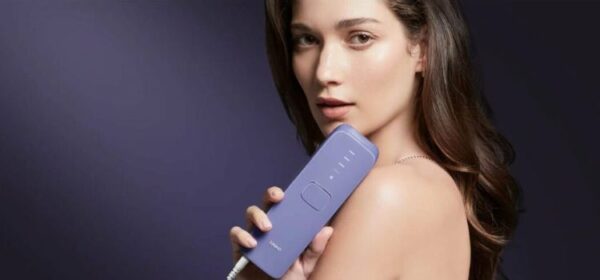
IPL Body Hair Removal: What to Expect Before You Start
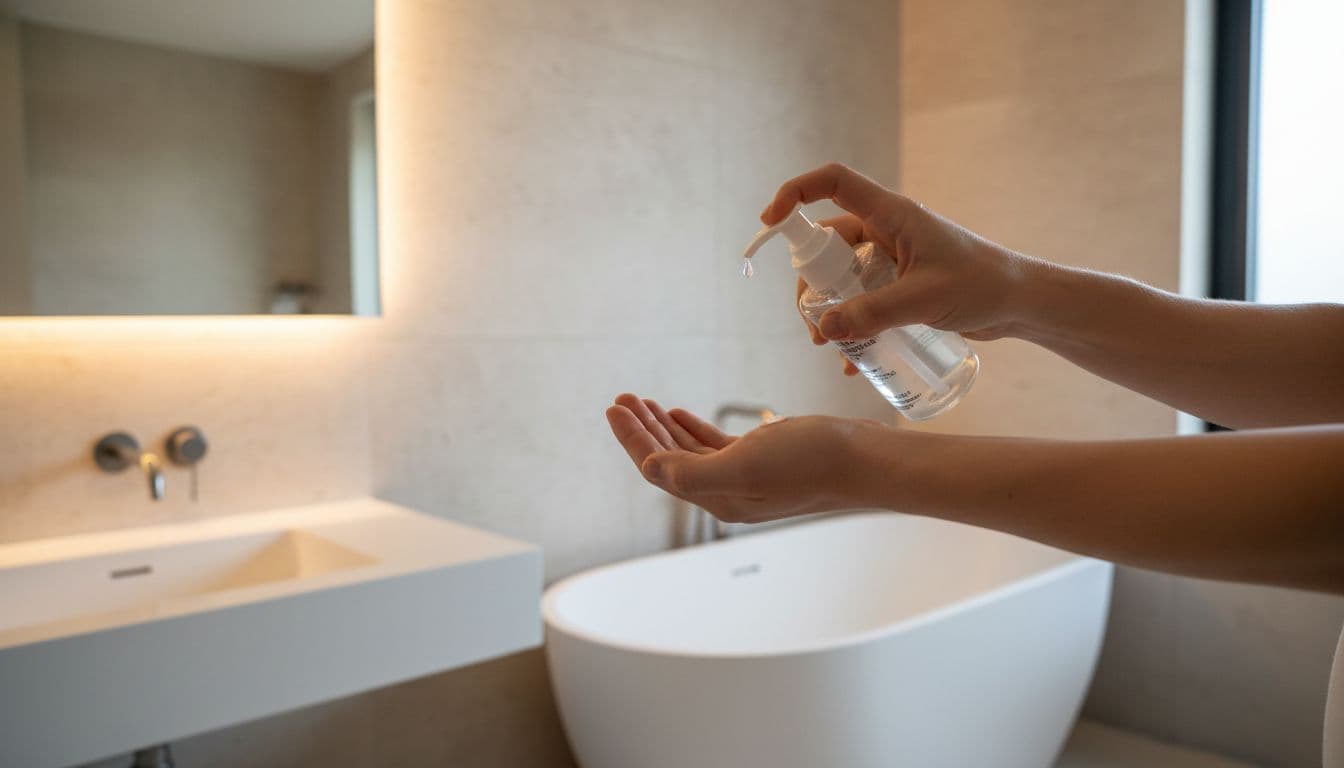
How to Remove Body Hair Safely at Home Without Irritation
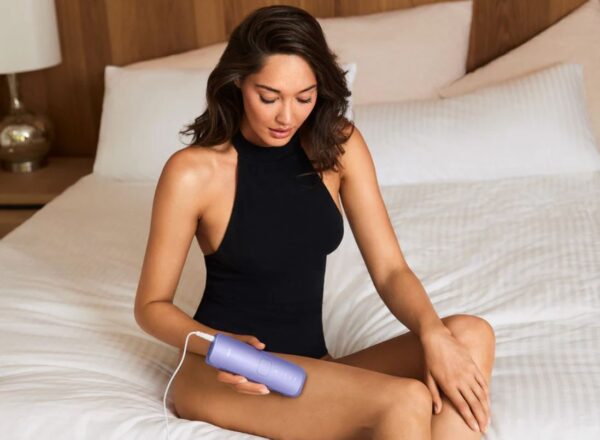
Body Hair Removal Methods: How to Choose the Right One
Need guidance?

Get a free one-on-one consultation
Explore Beauty
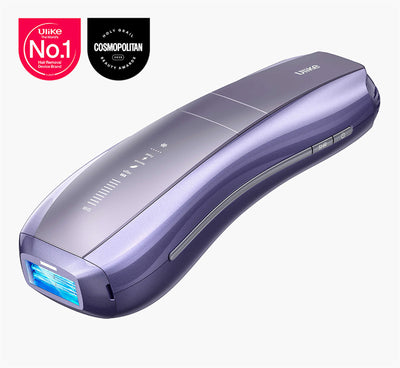
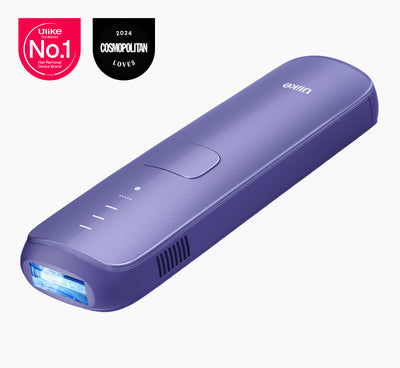
Ulike Air 10
2 weeks to silky smooth skin.
96% Hair Density Reduction in 2 Weeks
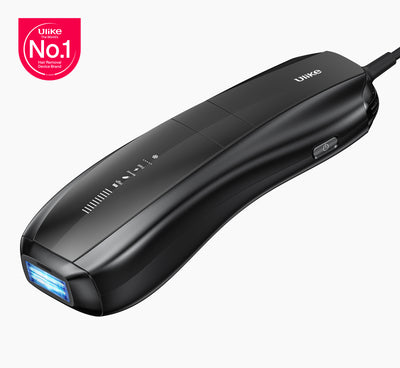
Ulike Air 3
3 weeks to silky smooth skin.
93% Hair Density Reduction in 4 Weeks
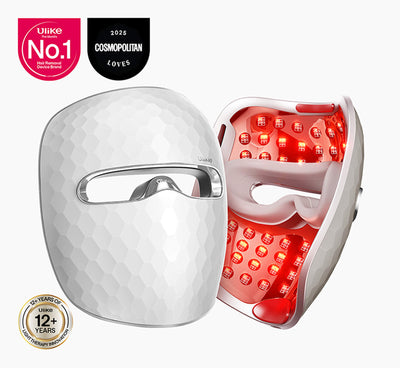
Ulike X
3 weeks to silky smooth skin.
94% hair reduction in just 2 weeks*
Ulike Reglow
Clearer skin in 2 weeks: Fewer breakouts
Smoother skin in 4 weeks: Fewer lines, firmer feel